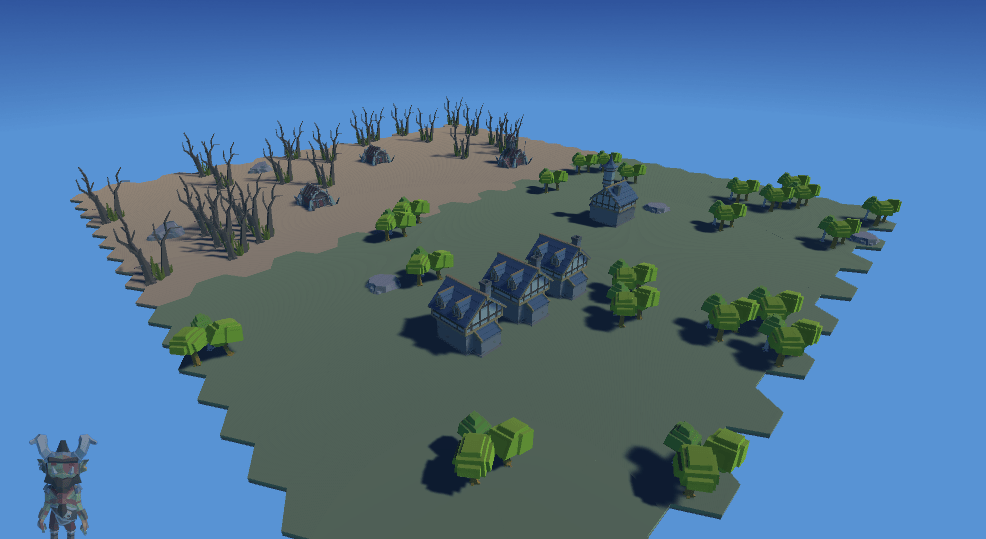
Concept
Over the next 10 weeks, I plan to create an RTS controlled entirely by voice recognition and eye tracking. Besides being interesting to me conceptually, a game like this could easily be used by people with certain disabilities or conditions like carpal tunnel. It’s going to be a challenge to take a game that is normally heavily based on UI and mouse input and take away use of the mouse of keyboard, but I’m excited to get started!
Technology
Eye Tracking:
I’ll be using an eye tracking software called Tobii eyeX. It uses a USB connected eye sensor to get a fairly accurate reading on the location of the eyes. It includes an SDK specifically for Unity, and it is very well documented, making it an ideal choice.
Voice Recognition:
Unity has built in support for voice recognition. On PCs, it borrows this technology from Windows. It can recognize single words and phrases. It also has a dictation setting, where statements are converted from mic input to strings, which I can then parse.
Engine:
Unity has always been my engine of choice. It’s incredibly simple to integrate external hardware, has amazing support, and makes it easy for me to set up quick sandboxes to test things. That it has ingrained voice recognition is the cherry on top.
Schedule
| Phase 1 | Integrate Technology |
| Week 0 | •Create Unity Project •Integrate voice recognition •Integrate eye tracking •Learn how to move objects with speech / eyes •World creation |
| Week 1 | •Commands trigger events •Multiple-word commands •Refine world creation •Create unit |
| Phase 2 | Buildings and UI |
| Week 2 | •Create menus •Build •Item •Start/Pause •Open with phrases •Create resource system |
| Week 3 | •Building placement with eye tracking •Select buildings with eye tracking or voice recognition |
| Phase 3 | Unit Movement and AI |
| Week 4 | •Create units from buildings using eye tracking •Create units using commands |
| Week 5 | •Select units with eye tracking. •Select multiple units with commands |
| Week 6 | •Move units as a group to locations with eye tracking •Steering algorithm for unit movement |
| Week 7 | •Create Unit stats and upgrades •Create unit AI for •Gathering resources •Attacking targets |
| Week 8 | •Create simplistic enemy AI •Places down buildings in preordained order •Sends units to attack at regular intervals |
| Phase 4 | Polish |
| Week 9 | •Finish enemy AI •Stretch: Make AI more robust •Polish UI |
| Week 10 | •Bug test •Polish where needed |
Progress
PPP Week 0
The first week’s progress on my Personal Programming Project. Emphasis: Feasibility Testing
PPP Week 1
The second week’s progress on my Personal Programming Project. Emphasis: Voice Recognition
PPP Week 2
The third week’s progress on my Personal Programming Project. Emphasis: UI
PPP Week 3
The fourth week’s progress on my Personal Programming Project. Emphasis: Building Placement
PPP Week 4
The fifth week’s progress on my Personal Programming Project. Emphasis: Unit Creation
PPP Week 5
The sixth week’s progress on my Personal Programming Project. Emphasis: Unit Movement
PPP Week 6
The seventh week’s progress on my Personal Programming Project. Emphasis: Gathering Resources
PPP Week 7
The eighth week’s progress on my Personal Programming Project. Emphasis: AI
PPP Week 8
The ninth week’s progress on my Personal Programming Project. Emphasis: Attacking
PPP Week 9
The tenth week’s progress on my Personal Programming Project. Emphasis: Movement and VFX
Personal Programming Project Post-Mortem
The post mortem for my Personal Programming Project
 Keira Taylor - Game Development