Overview
This week was all about UI, though I did tidy up and continue working on a few other components, such as speech recognition, units, and scene transitions.
UI
I normally make UI much later in the development of a game, but I wanted to make sure I had a working interface so that I could test out my speech recognition and eye tracking. I made a start screen and pause screen, and I started on a unit building menu and research menu.
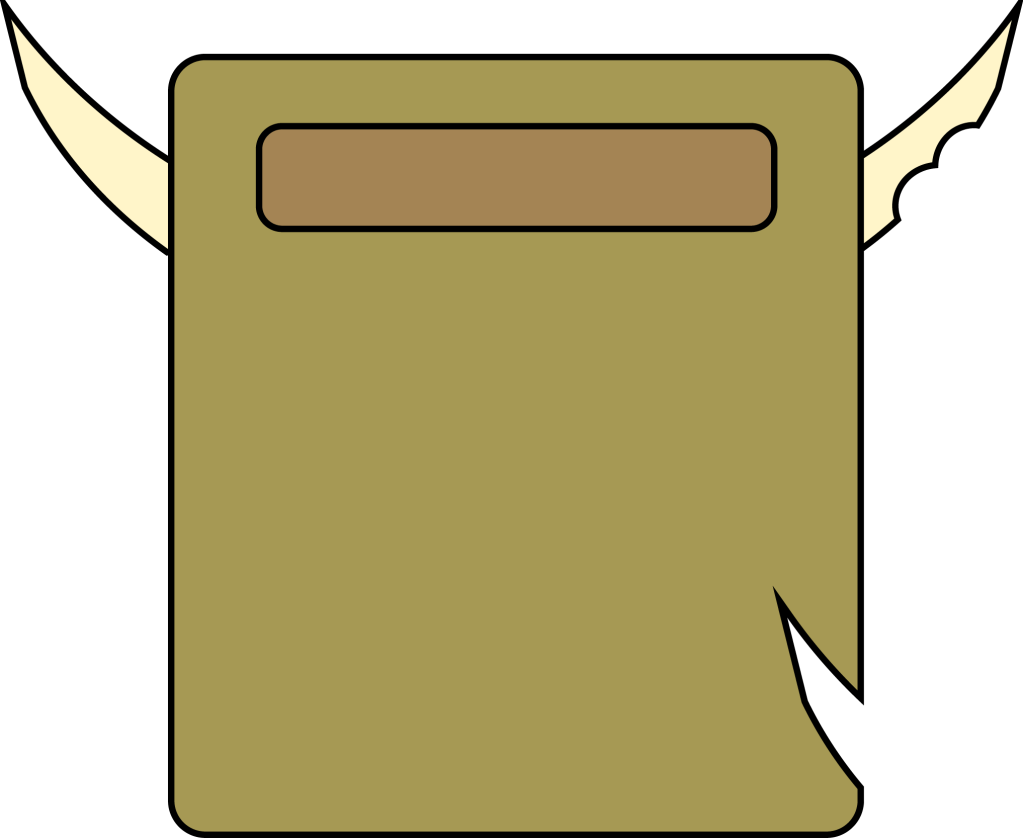
To start, I needed images to use as backgrounds. I wanted to have a unique appearance for my game and get acquainted with Adobe Illustrator, so I tested out making some vector graphics. I was really pleased with the result, especially for it being programmer art. Unfortunately, only after I created almost all of my UI art did I learn that Unity does not yet have an innate way to handle SVG files and vector graphics on the Canvas. So I converted all of my assets to PNGs in photoshop and imported those into Unity.

I also had fun with a new technology I learned inherent in Unity – the ability to project images captured on a camera to the canvas. It allows for real-time 3D models to be shown alongside the rest of the UI.

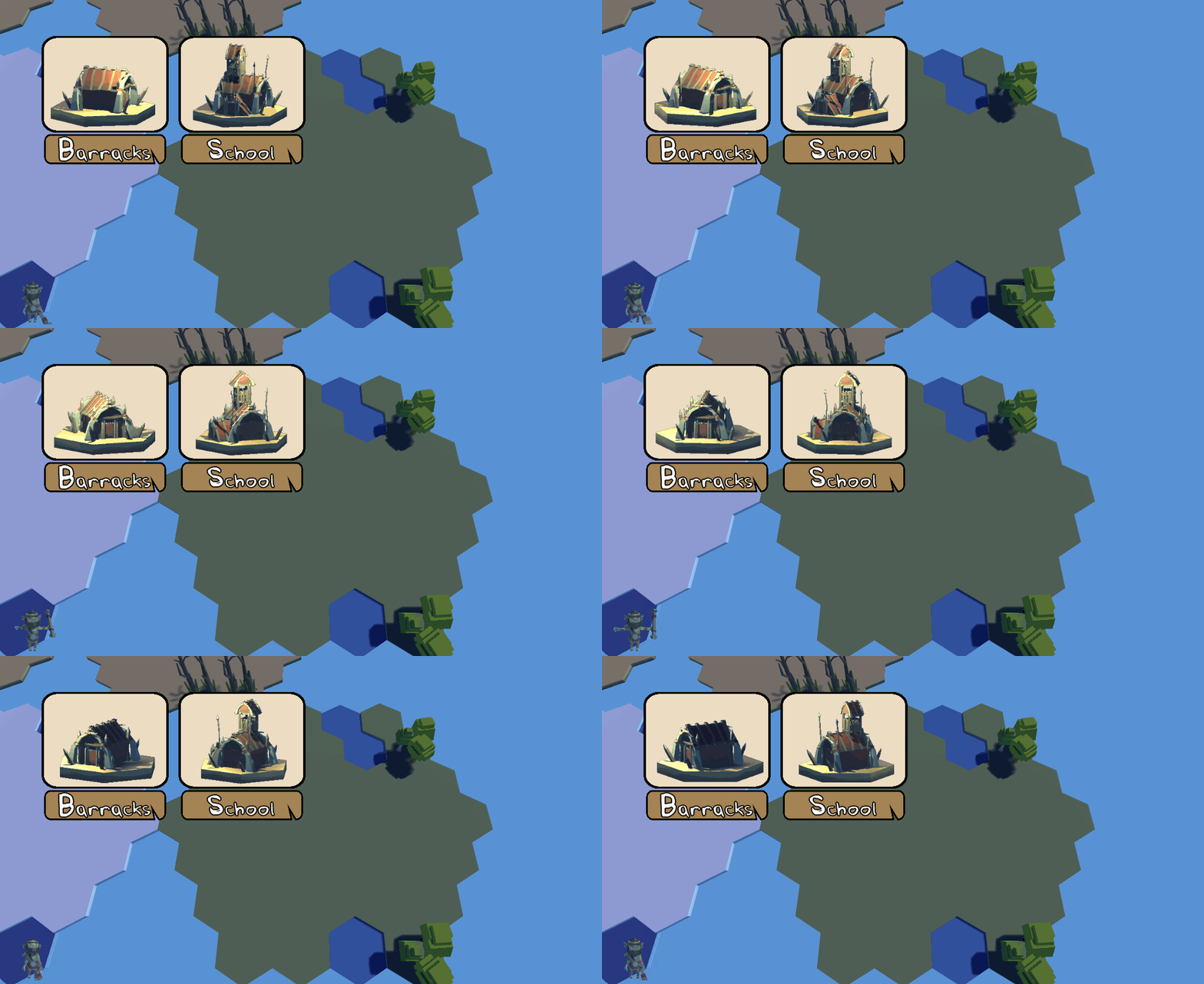
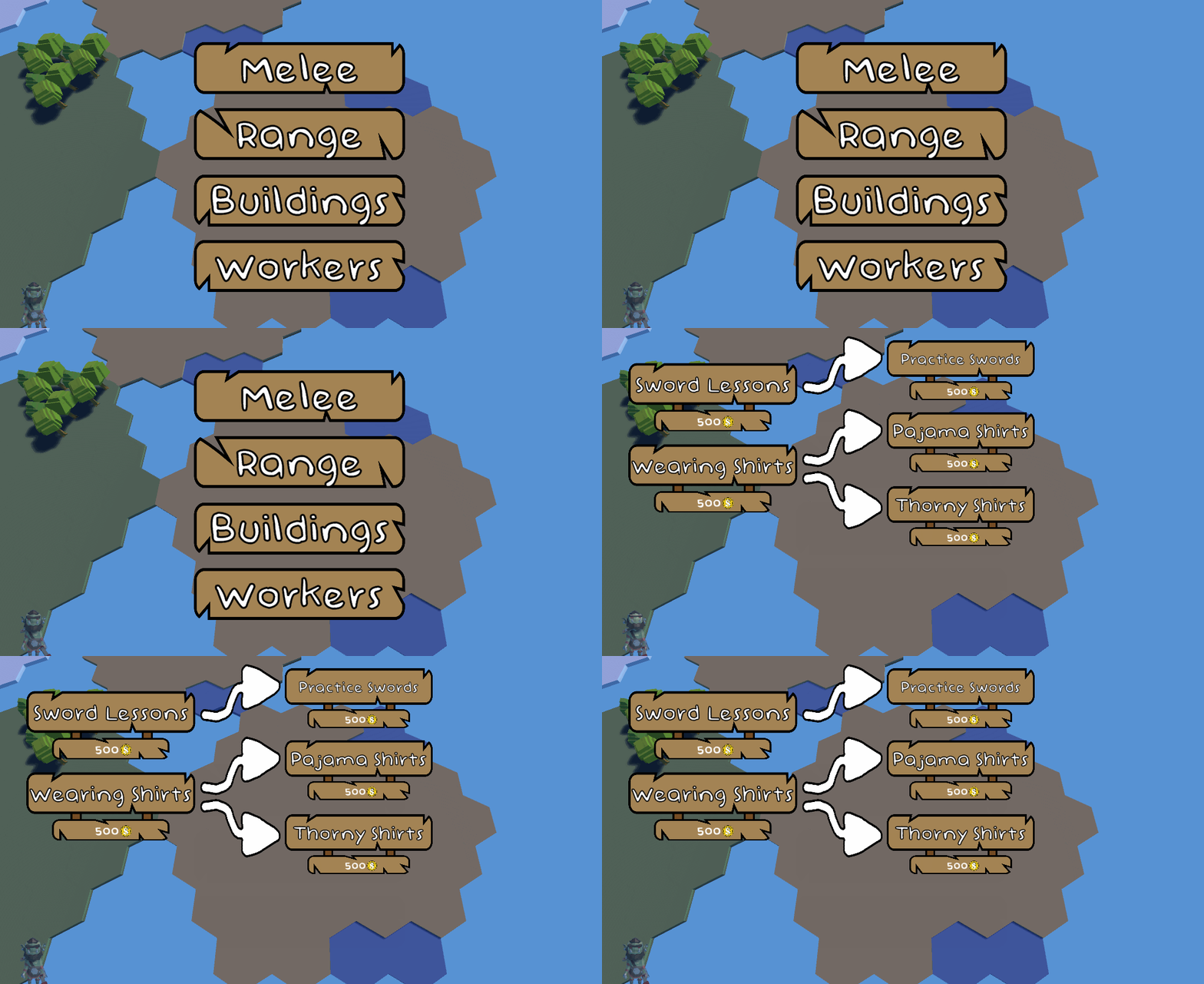
As I designed the UI, I kept in mind that this needed to be very easy to use via words and eye tracking. I tried to keep the images large and the text visible so users can know what to look at or say. I also modified some of the scripts that came with TextMeshPro to make keywords pop out so the user is drawn to say them. I give the script a list of keywords, along with the color they should be. The script then colors and shakes the keywords to draw attention.

I also made the start menu, with a pause and quit option, accessible entirely through voice commands.

You may have noticed the symbols inserted into text in some of the images shown. This is incredibly common in all games, but especially RTSs, where resources are shown by their icons instead of written out. While this wasn’t incredibly difficult to implement, it is something I had been wanting to add to my games for a while, and I’m glad to have learned the skill. I needed to first create the icons.

From there, I split the image into four pieces and turned them into sprite assets, which I could then orient and add to my text with a simple <sprite=n> tag written directly into the text.

Units
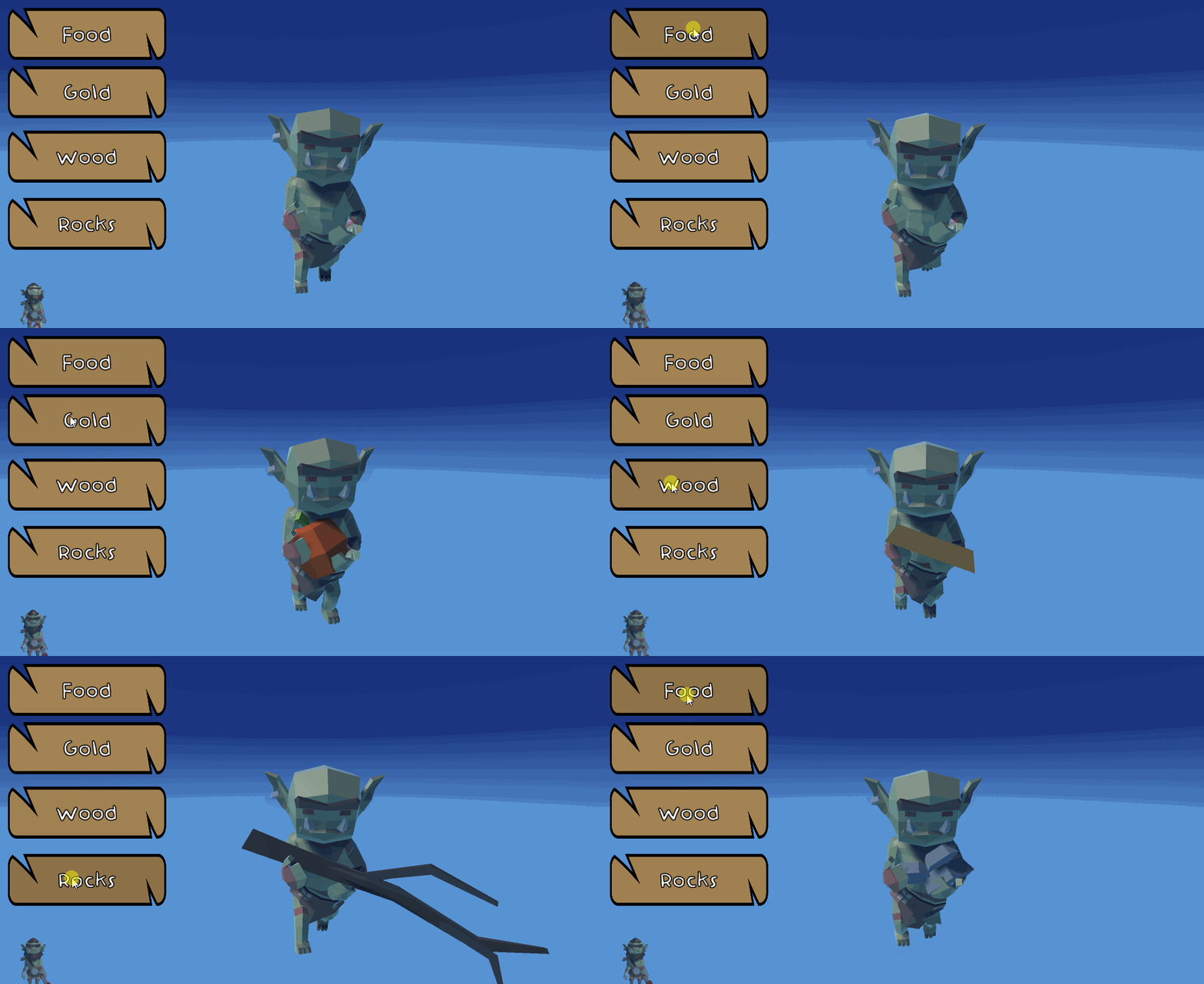
I created the bare bones of a unit class last week. This week, I added a worker subclass and few extra variables to it. In addition, I experimented with getting the worker to carry different resources depending on which resource I set. I set this value through the inspector, but obviously in the future, I’m going to be setting it after a unit gathers resources from a node in-game. Even in games, matter cannot be created nor destroyed.
I apologize for bringing mouse input into a pure eye-and-speech input place like this, but hopefully you can forgive the transgression for the sake of showing this goblin carry his resources.
 Keira Taylor - Game Development
One thought on “PPP Week 2”