Overview
This week was all about getting units to move on the screen. A majority of my time was spent specifically on a movement algorithm to allow units to move as a group to a location and then stop at that location in a square formation. Along with that, they can be controlled with eye tracking or voice recognition. And as always, there were some tiny tweaks along the way, like fixing my research system, refining the camera, selecting units, and adding further menu functionality.
Movement
Getting units to move properly was trickier than I thought. My naïve first thought was just to have simple lerping between two points. However, RTSs do not make life so easy. For one, you have to concern yourself with units that may move between when your units started moving and now, as well as buildings being constructed. There’s also the way in which they walk. Proper goblin soldiers march in formation, and when they stand around, they do so in a particular pattern. My inspiration for adding in formation here was Empires: Dawn of the Modern World.
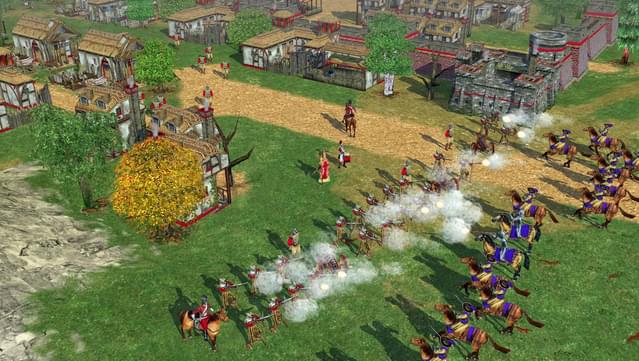
I believe my ambitions may have led me astray. While it would be much, much simpler to rely on Unity’s built in character controller to handle movement, I thought it would be simple enough to do it myself, and, to be fair, the math itself was quite simple. Though it did take quite a few iterations to get right.
    Vector3 target = CalculateSteering(mTarget);
    target += Separate();
    if(mCollisionVector != Vector3.zero)
    {
       target += (mCollisionVector * 1.35f);
    }

    Rotate(target);
    Move(target);
private Vector3 CalculateSteering(Vector3 target)
{
Vector3 differenceInPosition = target - transform.position;
differenceInPosition.Normalize();
return differenceInPosition;
}
private void Move(Vector3 direction)
{
direction.Normalize();
direction *= (Time.deltaTime * mMaxSpeed);
transform.position += direction;
}
private void Rotate(Vector3 direction)
{
float rotation = Mathf.Atan2(direction.z, direction.x);
rotation *= -Mathf.Rad2Deg;
transform.rotation = Quaternion.Euler(0, rotation, 0);
}First I implemented the simplest form of movement in a group. I wanted my units to move together as one so they couldn’t be picked off so easily by the enemy AI’s army.

I played around with different distances. I wanted to see how keeping them at different levels of separation affected their form.
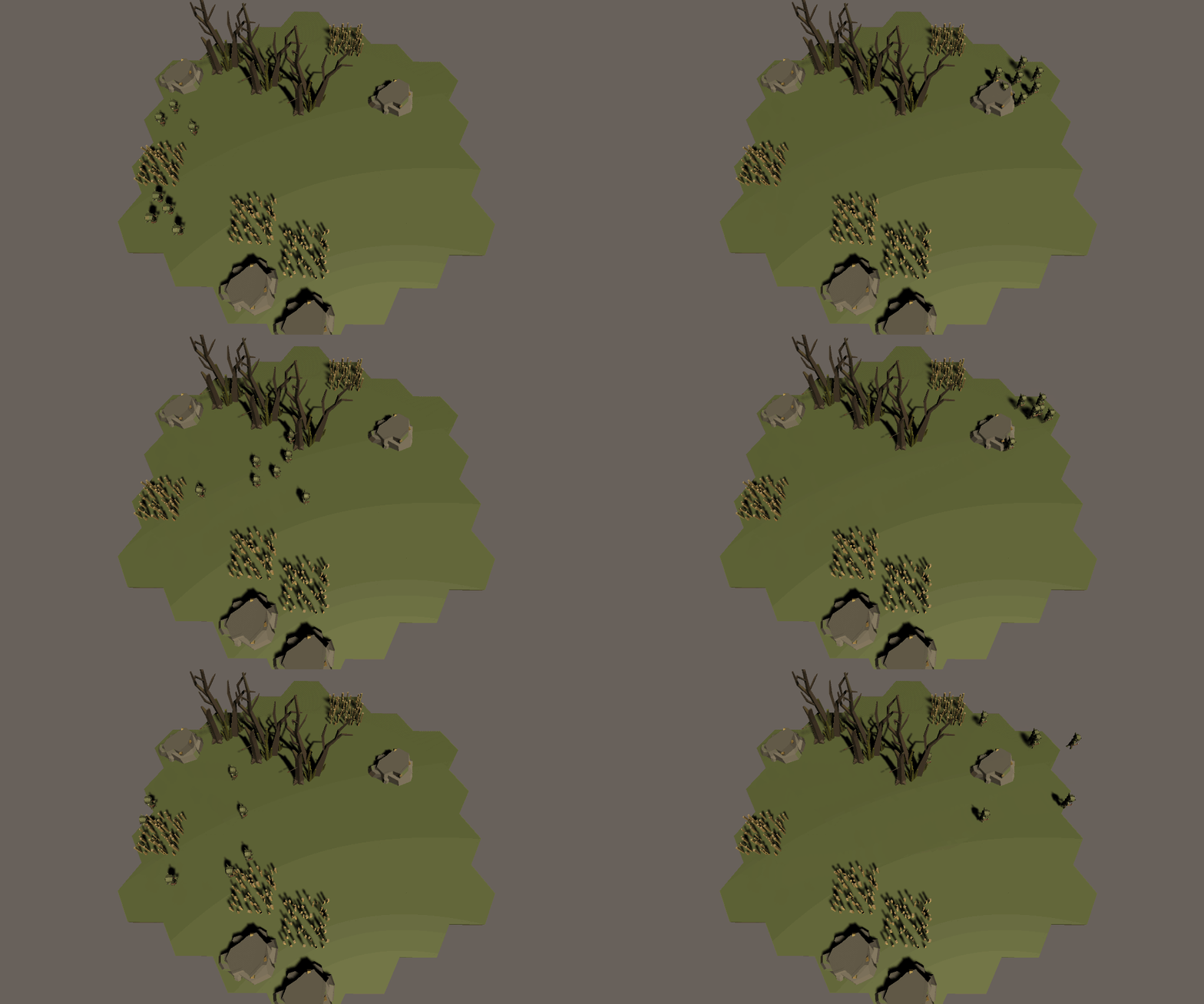
Next, I needed them to avoid obstacles. It’s a work in progress. I’m using a sphere collider on the rock and simply applying a pseudo-force in the opposite direction of the collision. I’m qualifying the force because it’s not really a force. In its current iteration, the units move a little bit every tick. They don’t have a real, physics-based velocity with acceleration tied to it.
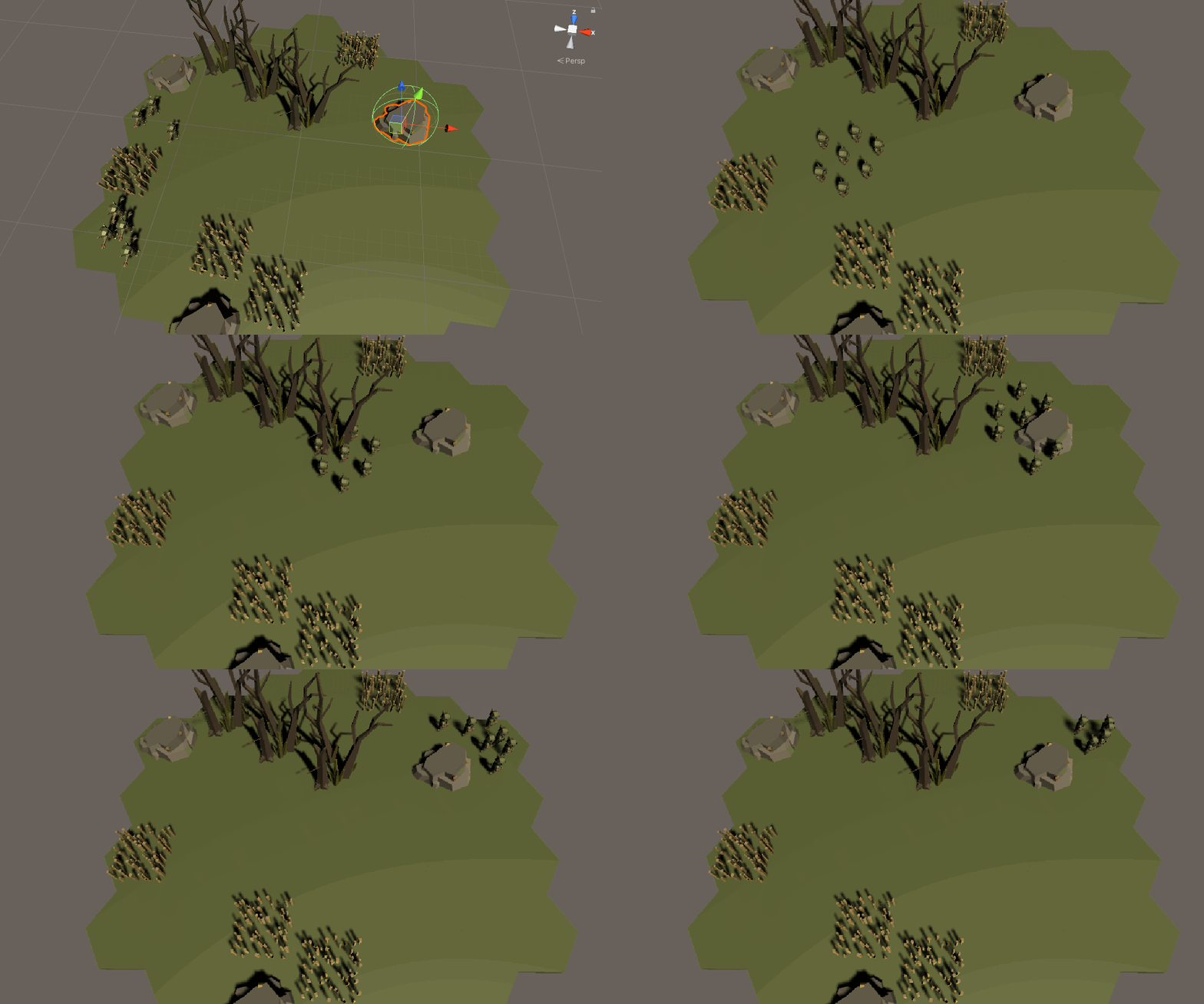
Next, I needed them to end in a formation. Before this point, once they got to their destination, they sort of melded into one another. I needed them looking like a refined army.

And lastly, all I needed to do was add rotation so that they faced in the direction they’re walking.
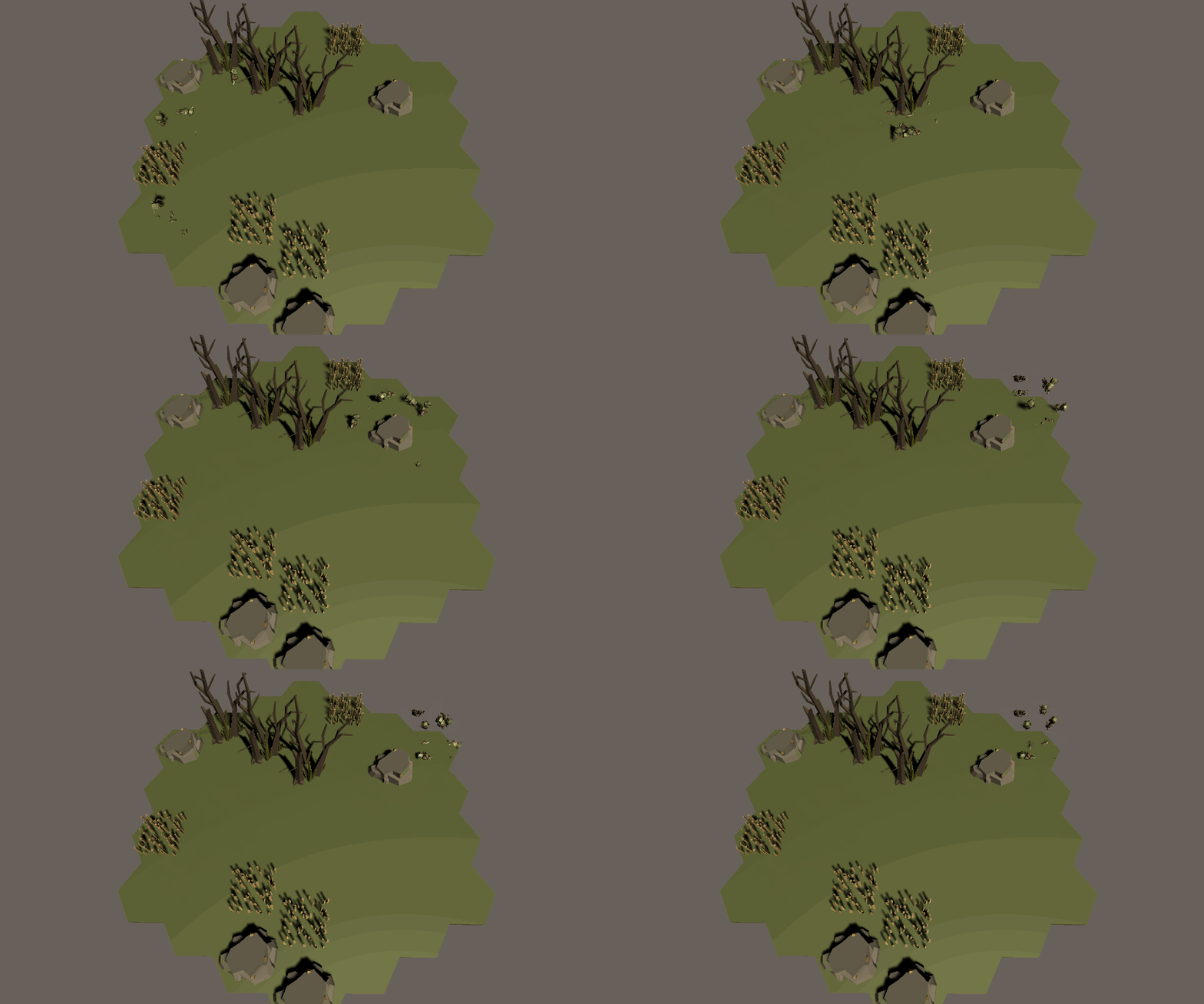
Well, that wasn’t so successful.
I did manage to get rotation in, as you’ll see in the demo videos at the end of this page, but it’s still very much a work in progress. Because units’ movement is determined tick to tick, and if there’s something near them, they try to go in the exact opposite direction, they fidget quite a bit. They still get where they’re going, but they have totally harmless little seizures in the process. This is something I’m planning to fix, either through better physics or through use of Unity’s character controller, next week.
Research System
If you read last week’s post, you may remember that my research system was a little bit borked. I reconstructed part of my research system to make up for its shortfalls last week. It still uses scriptable objects, but it instantiates all of them on startup. Each research object has links both to its parents and children (as uninstantiated scriptable object templates). In startup, each parent instantiates all of its children, links the children to them and then links itself to its children. In short:
    private void CreateResearchTopic(Research parent)
    {
        ...
        foreach(Research topic in parent.GetChildrenTemplates())
        {
            Research topicInstance = Instantiate(topic);
            parent.AddChild(topicInstance);
            topicInstance.AddPrerequisite(parent);
            CreateResearchTopic(topicInstance);
        }
    }
This allows the object containing all these topics, ResearchManager, to know all the top-level research topics available. And since all the parents know their children, everything works out.
Demo
As this is halfway through the duration of this project, I’ve created a demo. It showcases most of what was produced this week and in all weeks prior. Enjoy!
 Keira Taylor - Game Development
One thought on “PPP Week 5”