Overview
This week had a heavy emphasis on AI, with some minor emphasis on combat, animations, and miscellaneous things that needed doing. It was fun to finally get some interaction between units and buildings into the game, and it was surprisingly easy to develop a system for the AI to use and to hook it into the existing framework.
AI
The basics of my AI system are built on coroutines. I wanted to queue up a list of actions that the AI would take one at a time, with plenty of time in between for the player to catch up. The barebones infrastructure is very simple in nature
    public struct FunctionPair
    {
        public VoidFunction Function;
        public float Time;
        public int ExtraData;
        public string FunctionName;
    }
    public void ChooseAction()
    {
        if(mQueue.Count > 0)
        {
            FunctionPair pair = mQueue[0];
            mQueue.RemoveAt(0);
            mExtraData = pair.ExtraData;
            StartCoroutine(PerformAction(pair.Function, pair.Time));
        }
        else if(UnitCreationManager.GetInstance().GetEnemyFighters().Count < 8)
        {
            mQueue.Add(new FunctionPair { Function = BuildArmy, ExtraData = 5, Time = 20, FunctionName = "Spawn Army" });
            ChooseAction();
        }
    }
    public IEnumerator PerformAction(VoidFunction function, float time)
    {
        yield return new WaitForSeconds(time);
        function();
        ActionFinished.Invoke();
    }
To break it down:
FunctionPair (aptly named when it contained two variables, no so much now) keeps track of an action that needs to take place, how long the AI should wait before performing this action, and extra information in the form of an int that needs to be passed in, and the name of the function for debugging purposes.
ChooseAction goes through the class’ queue. If there is a function / action to be called, it calls PerformAction on it with the time indicated.
PerformAction waits until the time specified has passed before calling the function. It then invokes an event that’s used by other parts of the class to show that an action has been performed.
This system allows me to add in any function of the format void function() to the queue to be called. Because different data types might be required, but I wanted a single Queue, I pass in the data externally to remove any parameters. In the future, I might revise it to use polymorphism to allow for multiple parameter types. For now, the AI is so simple that it typically only needs to know one int, at most, at a time (for number of units to construct, or a type of building) anyway.
Currently, the AI can create a barracks, create units, and send units to attack. Here it is in action during the first pass:
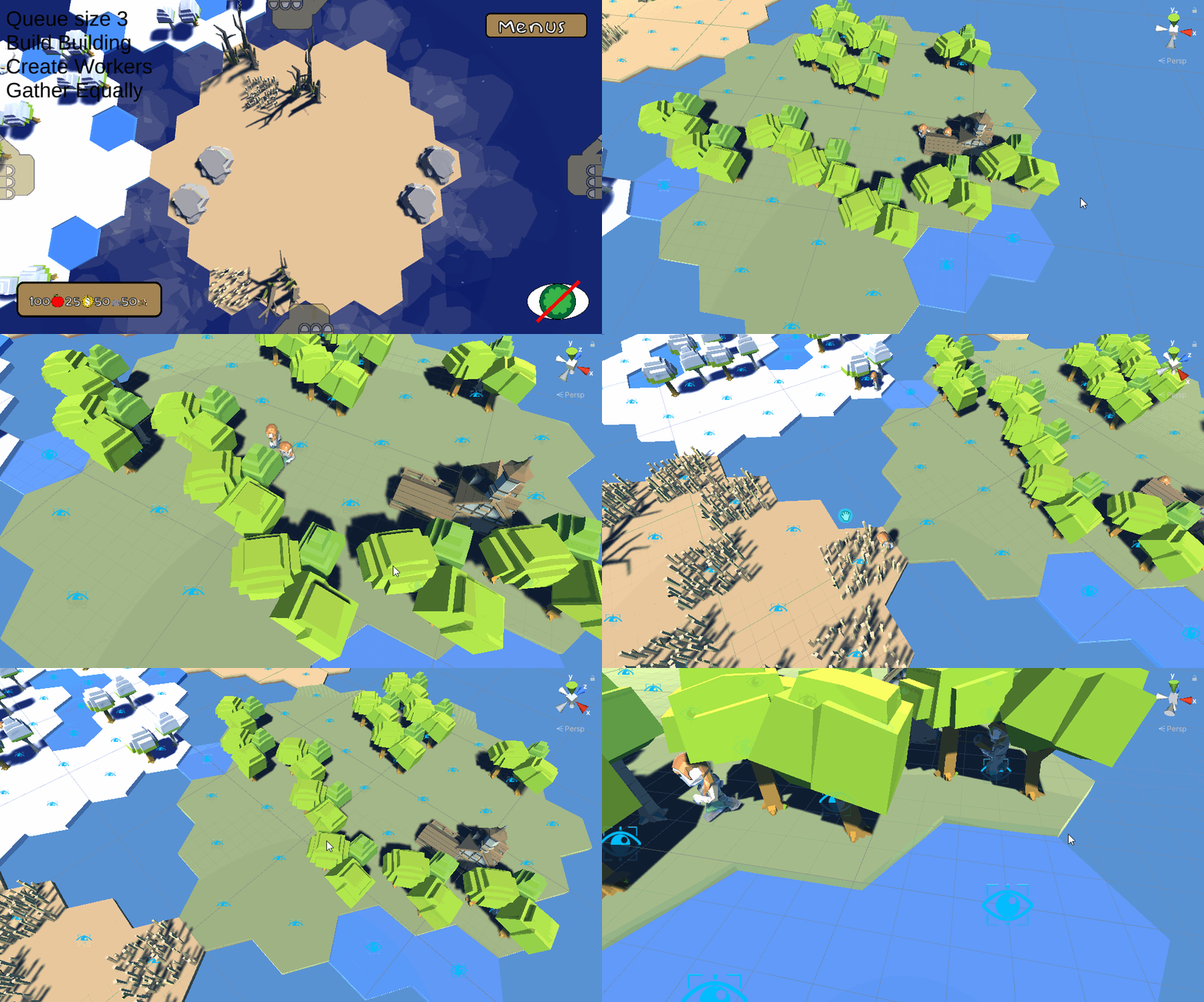
I improved it a bit from the time this gif was taken. I added progress bars for all barracks to show when units were being constructed, which is something I wanted to do for a long time, and I stopped the units from melding into each other. I also added an objective for the game, something I hadn’t thought about until I was telling the AI to go attack. I wanted something units had to destroy to win the game. I looked in my asset packs for something to suit the bill. I ended up using a pretty tree for the AI, which you’ll see in the next gif, and a smoky lava pillar for the player.

As you can probably see, movement is still a little wacky, but that’s already in the plan for next week.
Combat
The next big item on the list this week was combat. This was something I meant to complete last week but instead got working this week. Technically, it was not too challenging. Buildings and units have a function to take damage, and units have a function to deal damage. The offending unit calls the other object’s TakeDamage, gives it an amount, and its health decreases. Right now, neither can have their health decrease below 0, and I have an event triggering when they do die, but there’s no functionality tied to it yet.
At the moment, units only attack buildings and not each other, but because the code is nearly identical, that should be a quick thing to add next week. I also added health bars to represent building health. Here’s what combat looks like:
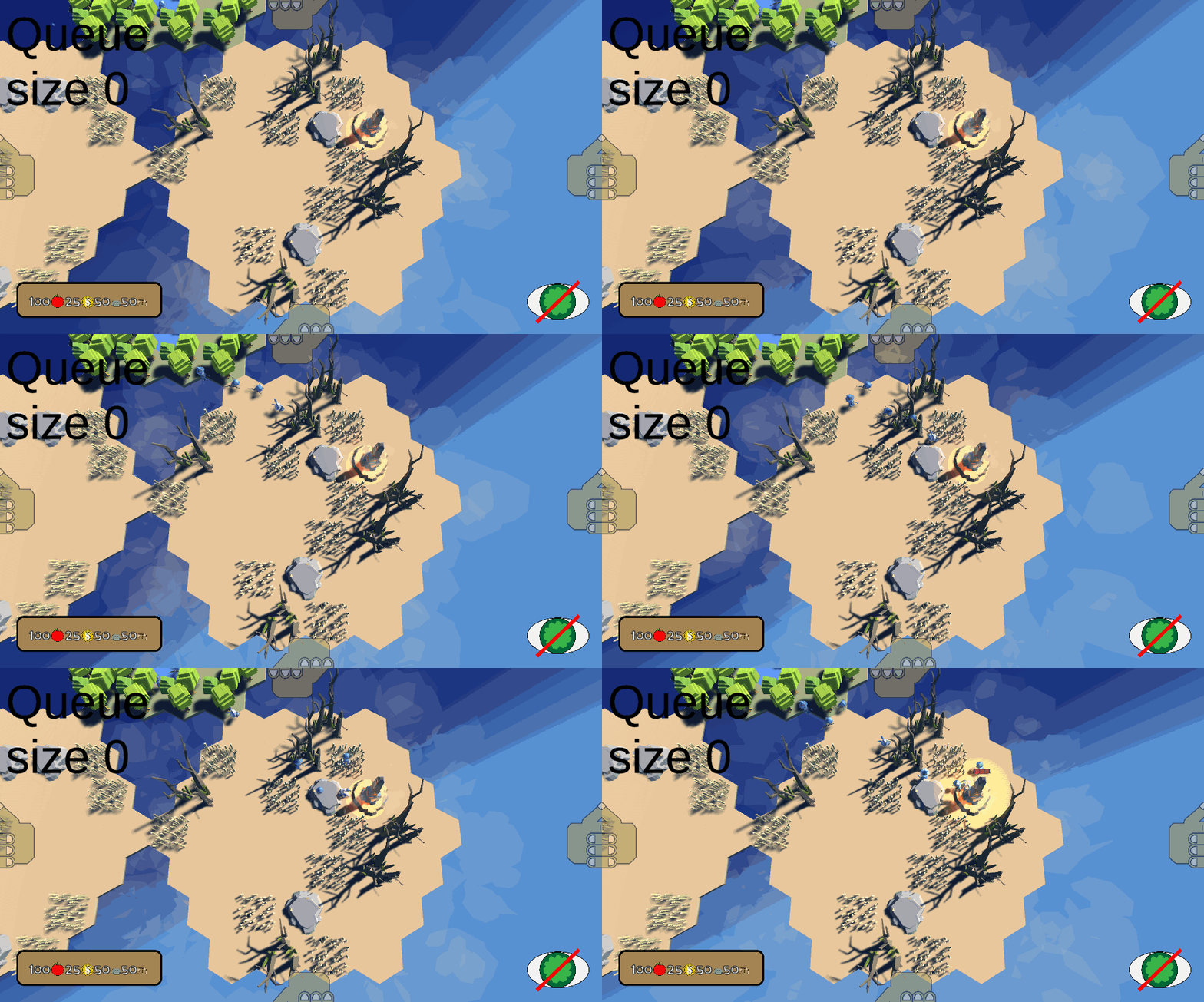
Again, I still have some refining to do on the movement and appearance of this, but it’s very nearly where I want it to be.
Overall, the very basics of AI were not as difficult as I thought they would be. If all the AI in my game ends up being is a simple state machine with a queue of actions, the infrastructure for that is already set up and working. Next week, hopefully I can make the AI responsive to the player so that it will be more fun to play against!
 Keira Taylor - Game Development
One thought on “PPP Week 7”